
Home page. Parallel Fluidics logotype

Formulate LNPs on the Opentrons Flex

In partnership with Opentrons

Screen 100+ LNP formulations per hour, fully automated on the Flex.

Ready to start screening more LNP formulations?

Share your contact information and our team will reach out to discuss your liquid handler, screening goals, and next steps.

= required

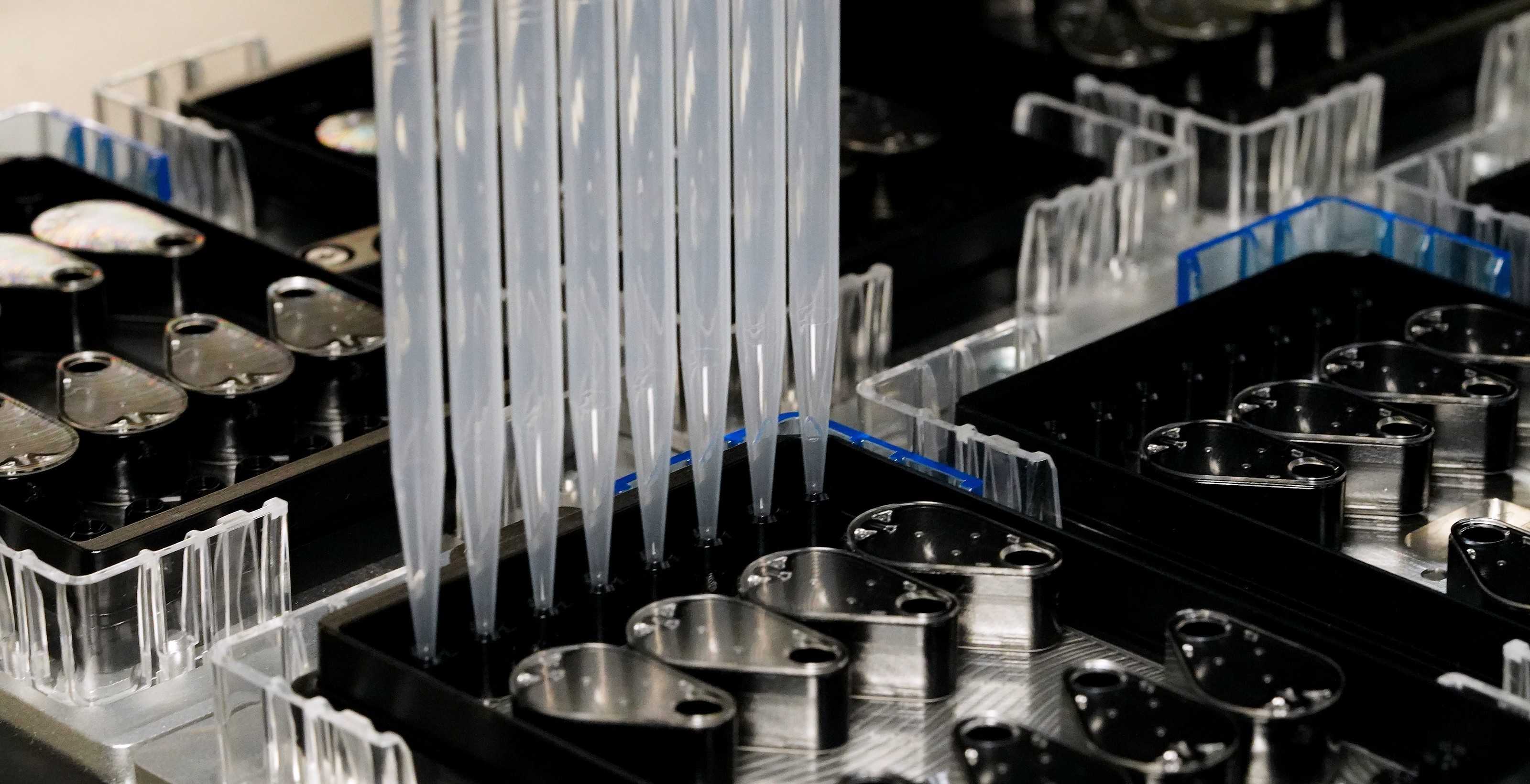
Opentrons Flex 8-Channel Pipette tips over an LNP Screening Array on the Flex deck

Keep LNP formulation on the Flex deck

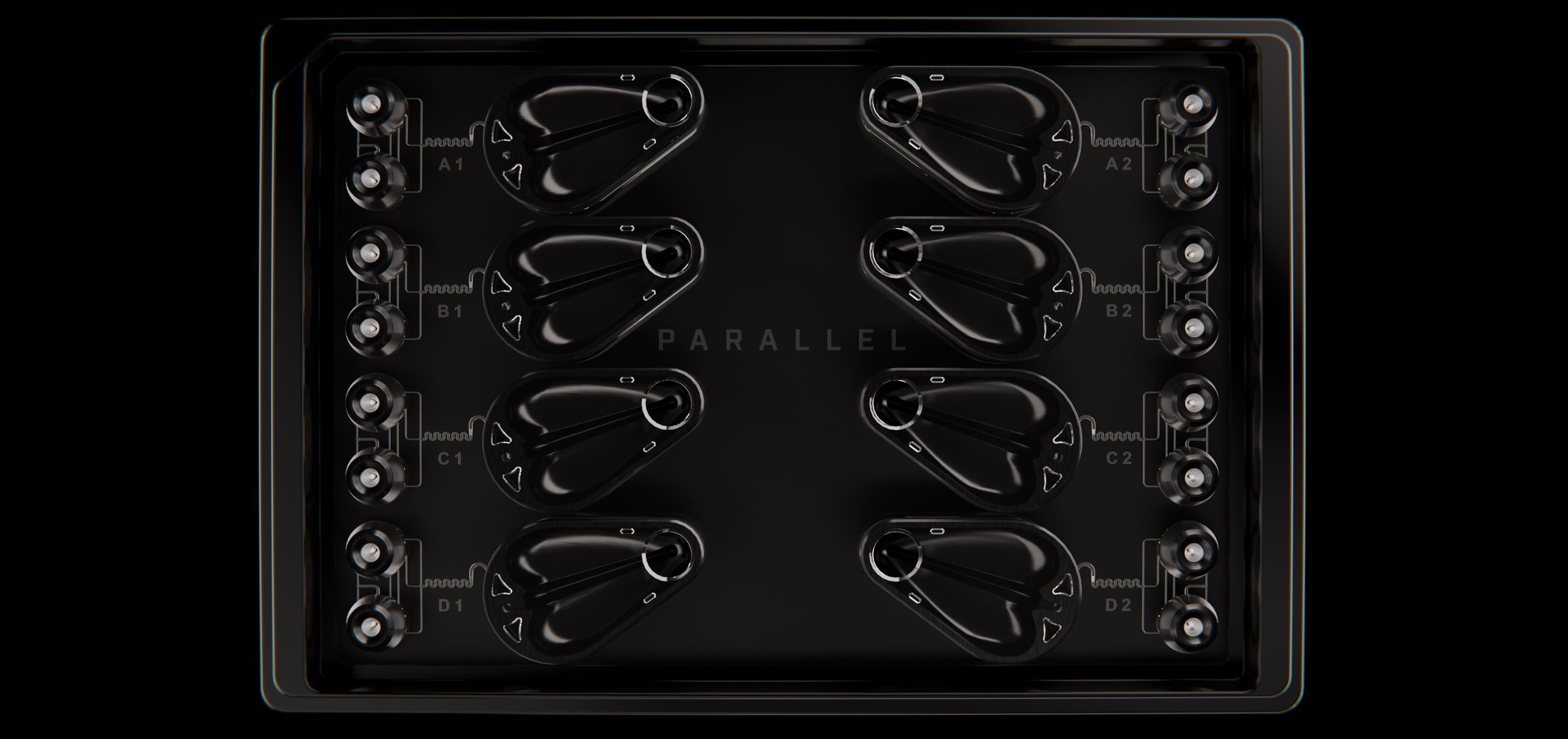
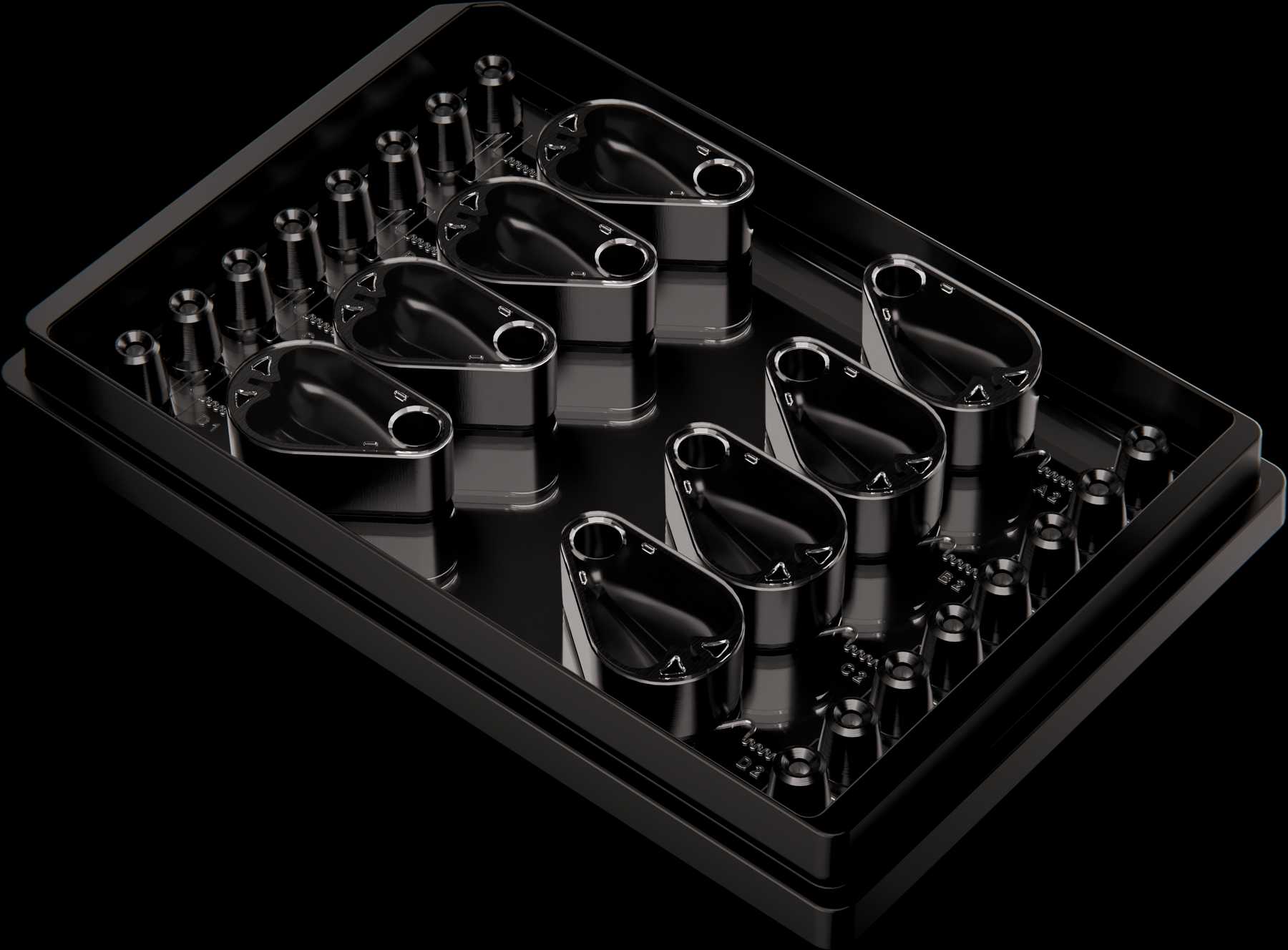
The LNP Screening Array is a Flow Processing Unit (FPU) that brings LNP formulation onto the Flex deck. Reagent handling, formulation, and collection all run in one Flex protocol.

Top view of the LNP Screening Array with eight micromixers

100+

Formulations per hour

<50 µL

Average dead volume per micromixer

100 to 1000 µL

Output per formulation

Integrate LNP formulation into your Flex workflow

The LNP Screening Array works with the Flex pipette, tips, and plates your lab already uses.

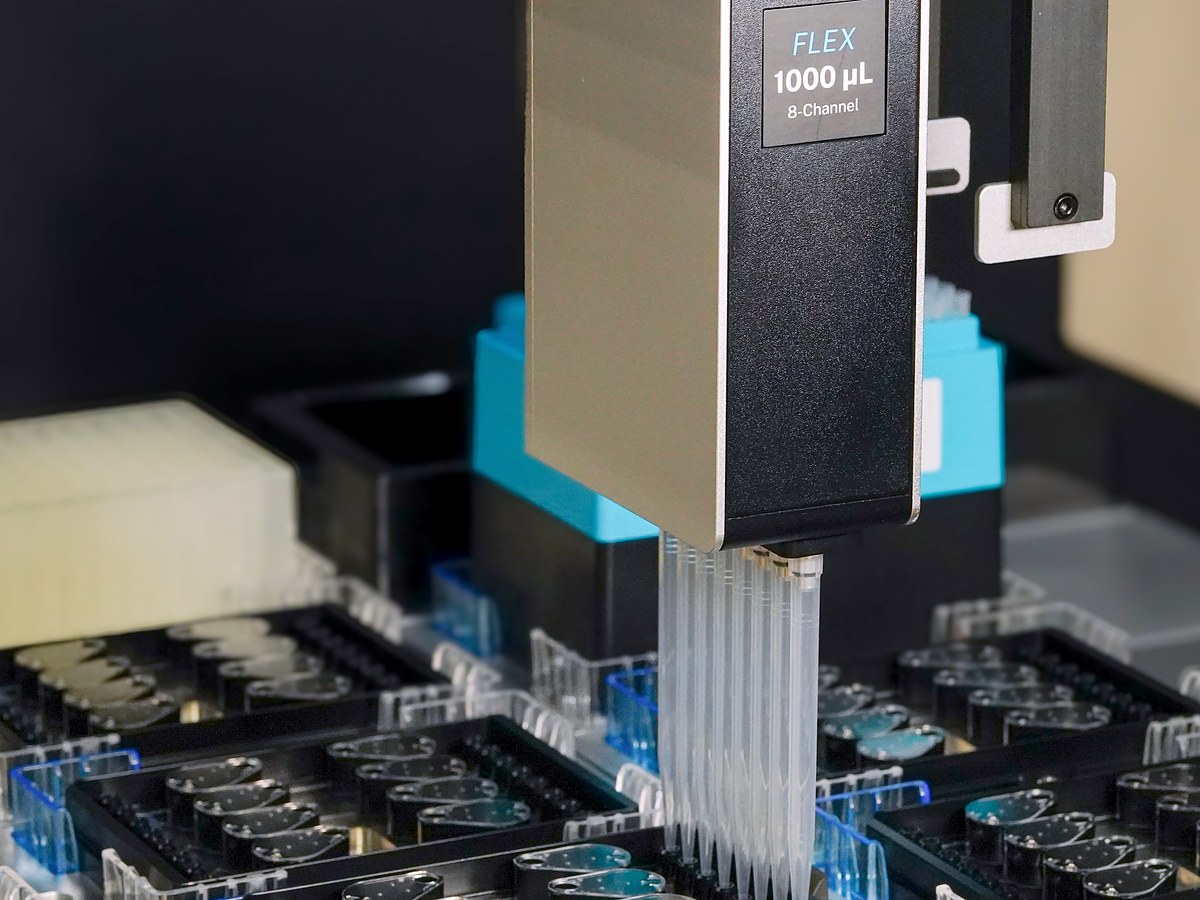
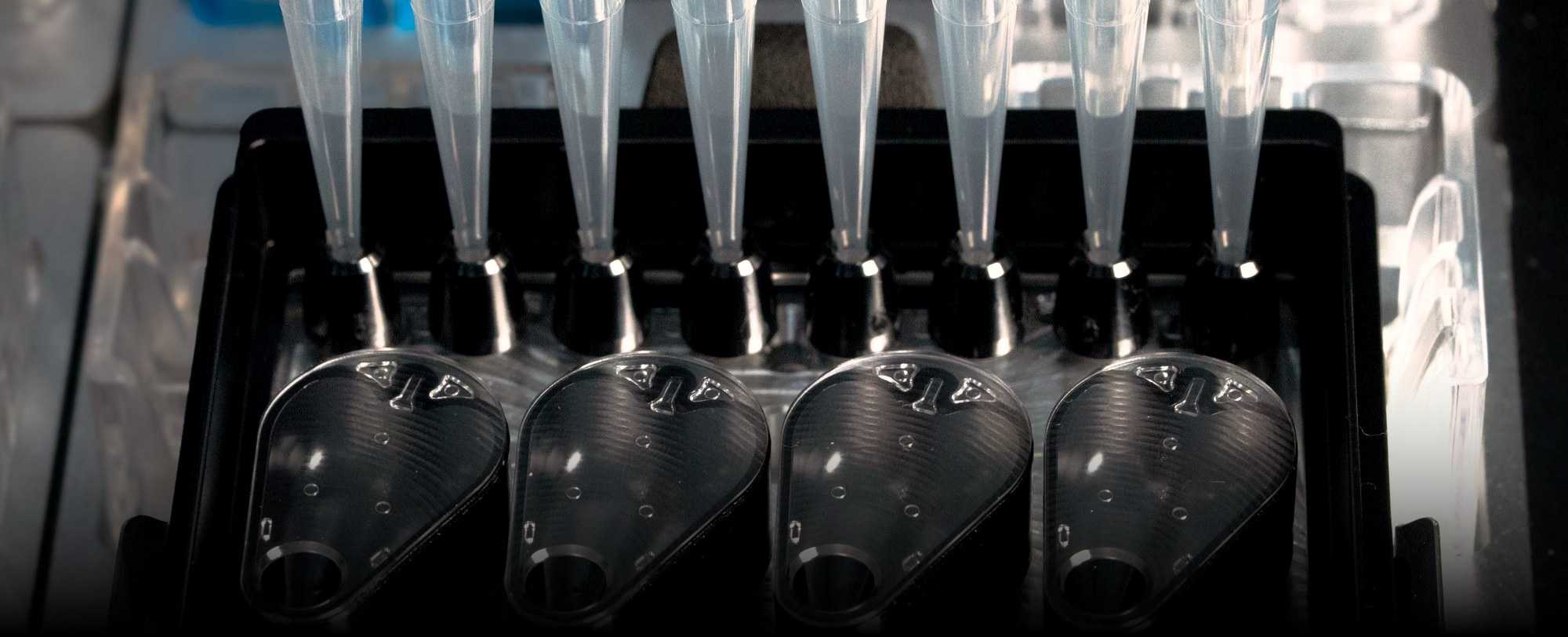
Opentrons Flex 8-Channel Pipette over the LNP Screening Array

Load with the 8-Channel Pipette

Pipette interfaces sit at 96-well positions, so the 8-Channel Pipette reaches each micromixer directly.

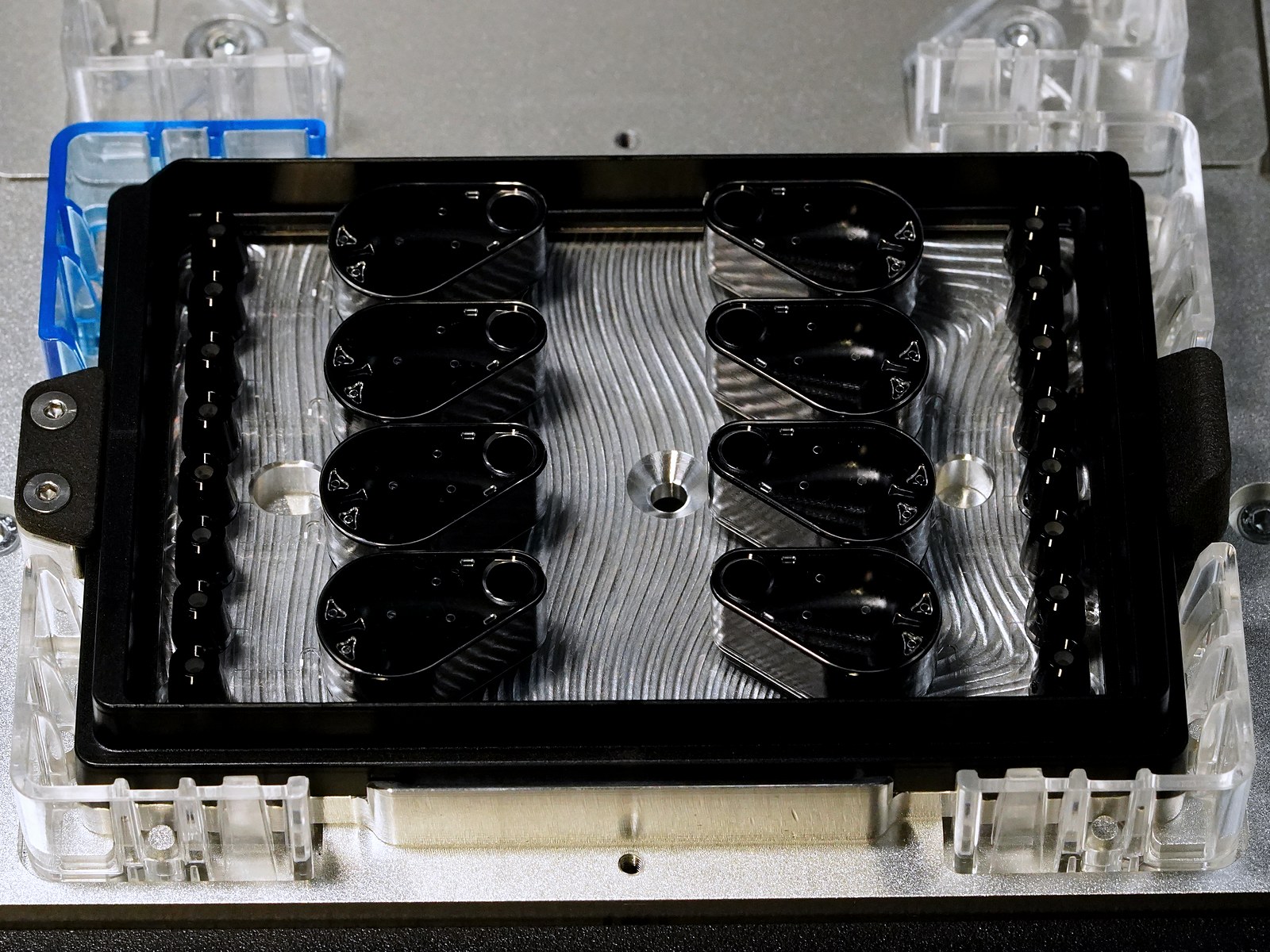
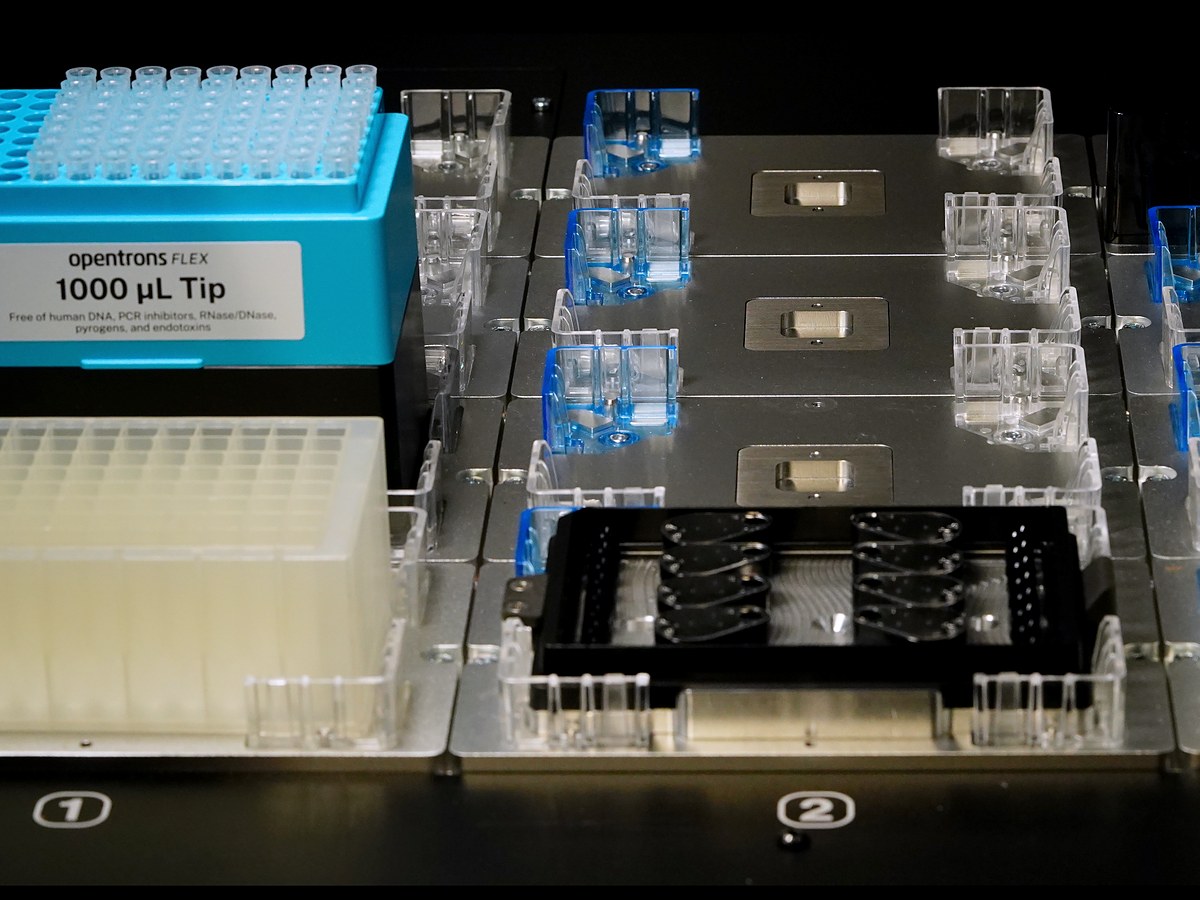
LNP Screening Array in a Flex deck slot

Place it in any of the 12 deck slots

Its SLAS microplate footprint fits alongside the reagent plate, tips, and collection plate on your Flex deck.

Opentrons Flex filtered tips and a 96-well deepwell plate

Use Opentrons tips and plates

Each run uses Opentrons Flex 1000 µL filtered tips and 96-well deepwell plates for reagents and collection.

Go from reagents to LNPs in a single automated workflow

Start the run in the Opentrons App, and the Flex handles every step from loading to collection.

1

Load

The 8-Channel Pipette draws the lipid and aqueous phases for each micromixer from the reagent plate.

2

Formulate

Dispensing drives both phases through the micromixer, forming LNPs in seconds.

3

Collect

The Flex transfers each formulation into the collection plate for downstream processing.

Get reproducible LNP data from every run

Blank LNPs formulated on the Flex and characterized by DLS held consistent size and polydispersity across runs and days.

Eight Flex pipette tips engaged with the micromixers of an LNP Screening Array

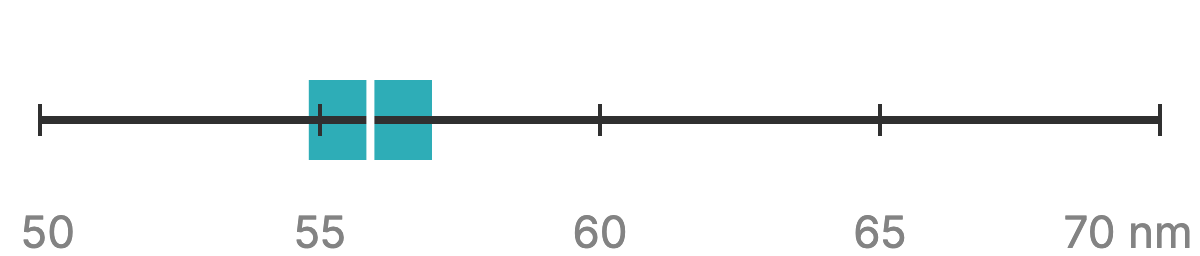
Z-average diameter

55.9 nm

Mean Z-average diameter 55.9 nm, SD 1.1 nm, on a 50 to 70 nm scale

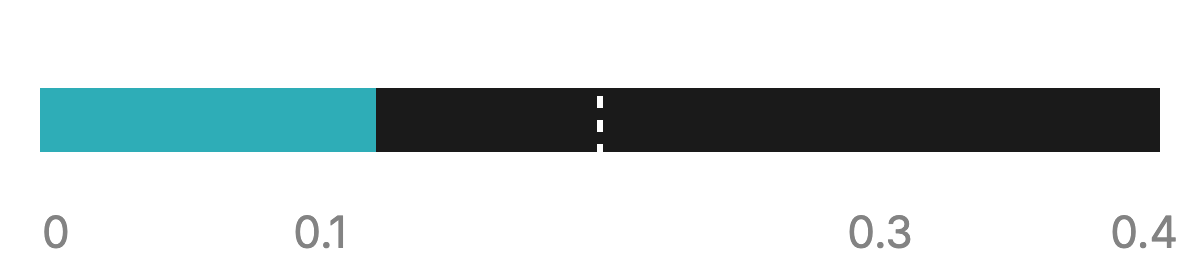
Polydispersity index

0.12

Mean PDI 0.12, below the 0.2 threshold

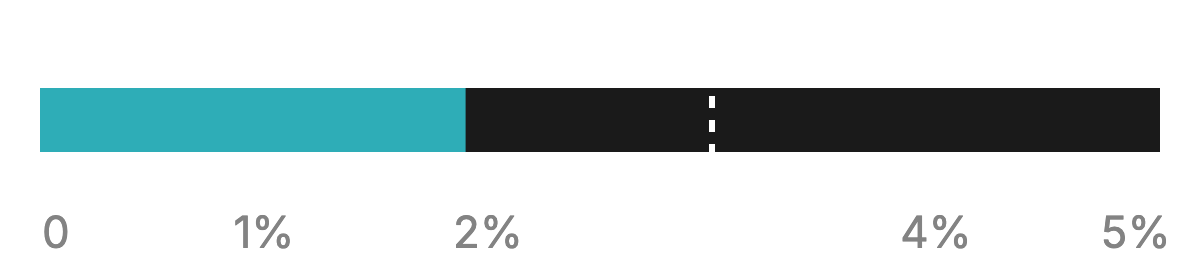
CV in particle size

1.9%

CV in particle size 1.9 percent, below 3 percent

Configure each screen in the Opentrons App

Run each new screen from the same protocol by changing a few settings in the Opentrons App.

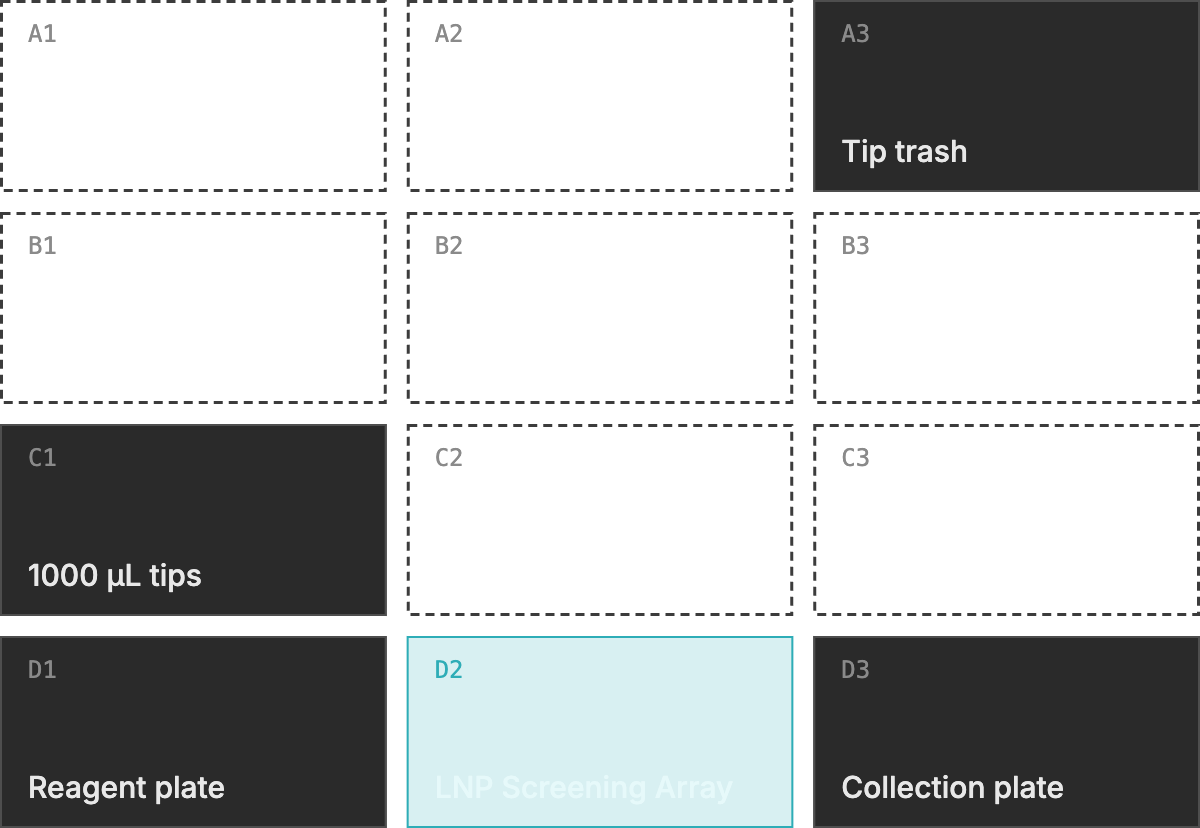
Flex deck layout

Opentrons Flex deck map with tip trash in A3, 1000 µL tips in C1, the reagent plate in D1, the LNP Screening Array in D2, and the collection plate in D3

Example layout from the application note. Each labware item can go in any of the 12 deck slots.

Runtime parameters

Set each one in the Opentrons App before the run starts.

Array side
Left half, right half, or all eight micromixers
Output volume
100 to 1000 µL per formulation
Start columns
Any column of the tip box, reagent plate, and collection plate
Pipette mount
Left or right mount for the 8-Channel Pipette

Set up your first LNP screen on the Flex

Our applications team sets up your first screen around your lipid compositions and success criteria.

LNP Screening Arrays

Arrays for your first runs, ready to load on the Flex deck.

Flex protocol

Installed on your system and set up for your first screen.

On-site support

Our applications team runs your first screen with you, including DLS.

Ongoing support

Help from our applications team as your screen expands.

Get started


Import the ready-to-run protocol

Download the protocol and labware definitions from the Opentrons Protocol Library.


Start with on-site setup

Order LNP Screening Arrays and schedule your first run with our applications team.

Ready to start screening more LNP formulations?

Share your contact information and our team will reach out to discuss your liquid handler, screening goals, and next steps.

= required

Related materials

Fact sheet

Parallel Fluidics x Opentrons Fact Sheet

Guide

How to Formulate LNPs with the LNP Screening Array

Opentrons Protocol Library

Parallel Fluidics LNP Screening Array

Press release

Parallel Fluidics and Opentrons Team Up to Bring Automated Lipid Nanoparticle Formulation to the Opentrons Flex®

FAQ

It brings LNP formulation onto the Flex deck. Each LNP Screening Array holds eight independent micromixers in an SLAS microplate footprint, so the Flex handles reagents, formulates LNPs, and collects samples in one automated protocol.

Pipette mixing keeps formulation on the deck but gives limited control over how the lipid and aqueous phases meet. Benchtop systems take each formulation off the automated workflow. The LNP Screening Array forms each LNP in seconds in its own micromixer on the Flex deck, inside the same automated protocol.

The protocol uses the Flex 8-Channel Pipette (1 to 1000 µL) with Opentrons Flex 1000 µL filtered tips. It also uses one 96-well deepwell plate for reagents and another for collection.

No. The protocol imports from the Opentrons Protocol Library. Each screen is set through runtime parameters in the Opentrons App, which cover the side of the LNP Screening Array to run, output volume, and deck slot positions.

Each run formulates 4 or 8 LNPs, depending on whether one side or the full LNP Screening Array is selected. Output ranges from 100 to 1000 µL per formulation at a fixed 3:1 aqueous-to-lipid flow rate ratio. Dead volume averages less than 50 µL per micromixer at a 250 µL output.

Across 24 blank LNP formulations from three runs at 250 µL, LNPs averaged 55.9 nm in Z-average diameter with a mean PDI of 0.12 and a 1.9% CV in particle size. Particle size held within 0.4 nm across three days, and every formulation from 100 to 1000 µL had a PDI below 0.2. The application note covers the full study design.

No. The LNP Screening Array runs on standard automated liquid handlers. On the Flex it runs from a dedicated protocol in the Opentrons Protocol Library.

An applications team member installs the protocol in your lab, leads a one-day training session, and supports your first run on site with your own formulations.

Parallel Fluidics and Opentrons plan to bring more advanced lab workflows onto the Flex as new FPUs come to market.

Newsletter

Be the first to see new Flex workflows

Get new LNP application notes, protocols, and FPU releases for the Opentrons Flex in your inbox.